Steps
- 1
Install PortLine and open it
Open PortLine.dmg, drag PortLine to Applications, then open it from Applications. Eject the disk image after copying. PortLine is free to browse and download. It needs macOS 13 or later.
- 2
Connect the phone
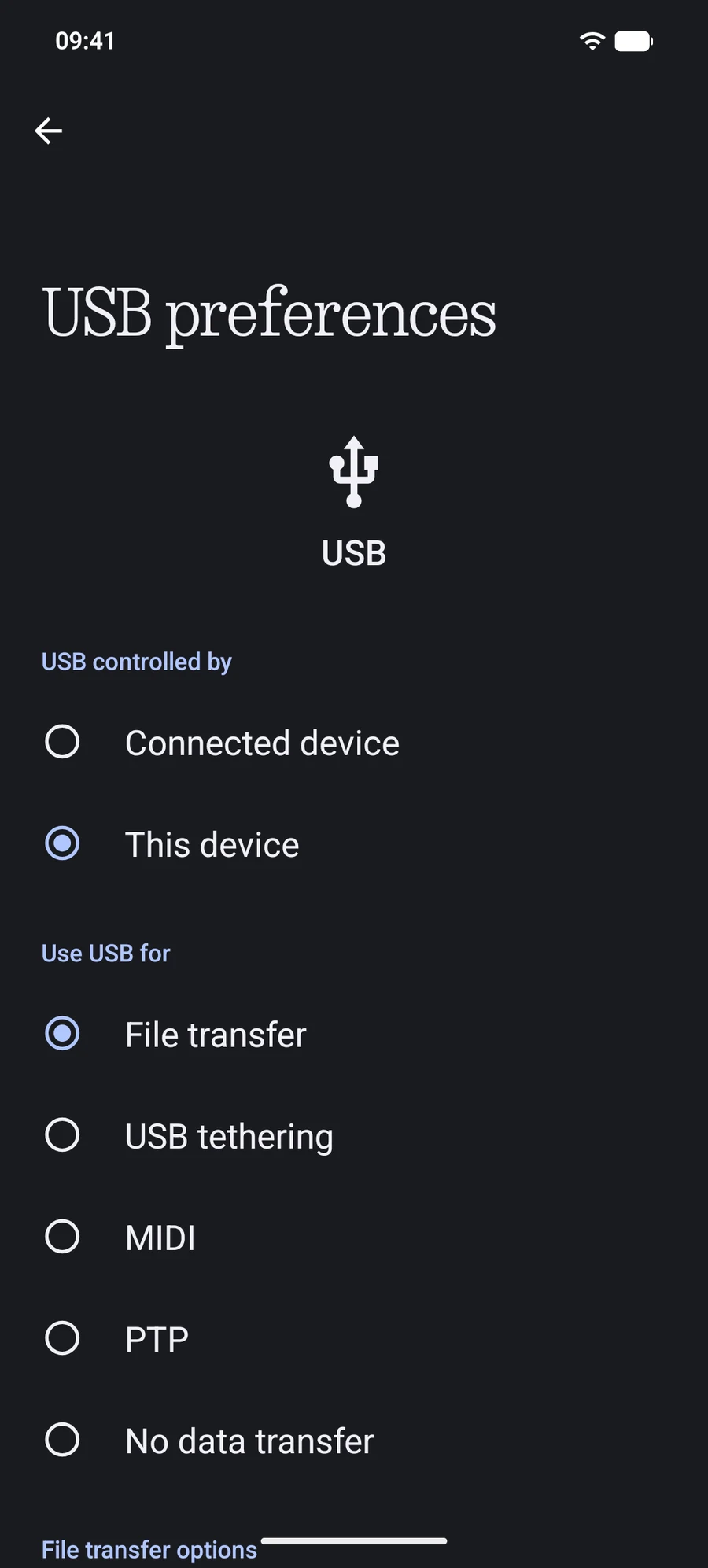
Plug it in with a data cable. Choose File transfer in the phone's USB notification, or turn on USB debugging for the faster Advanced USB connection. On Android 11 or later you can also pair over Wi-Fi. See the connection guide.
- 3
Click Open in Finder
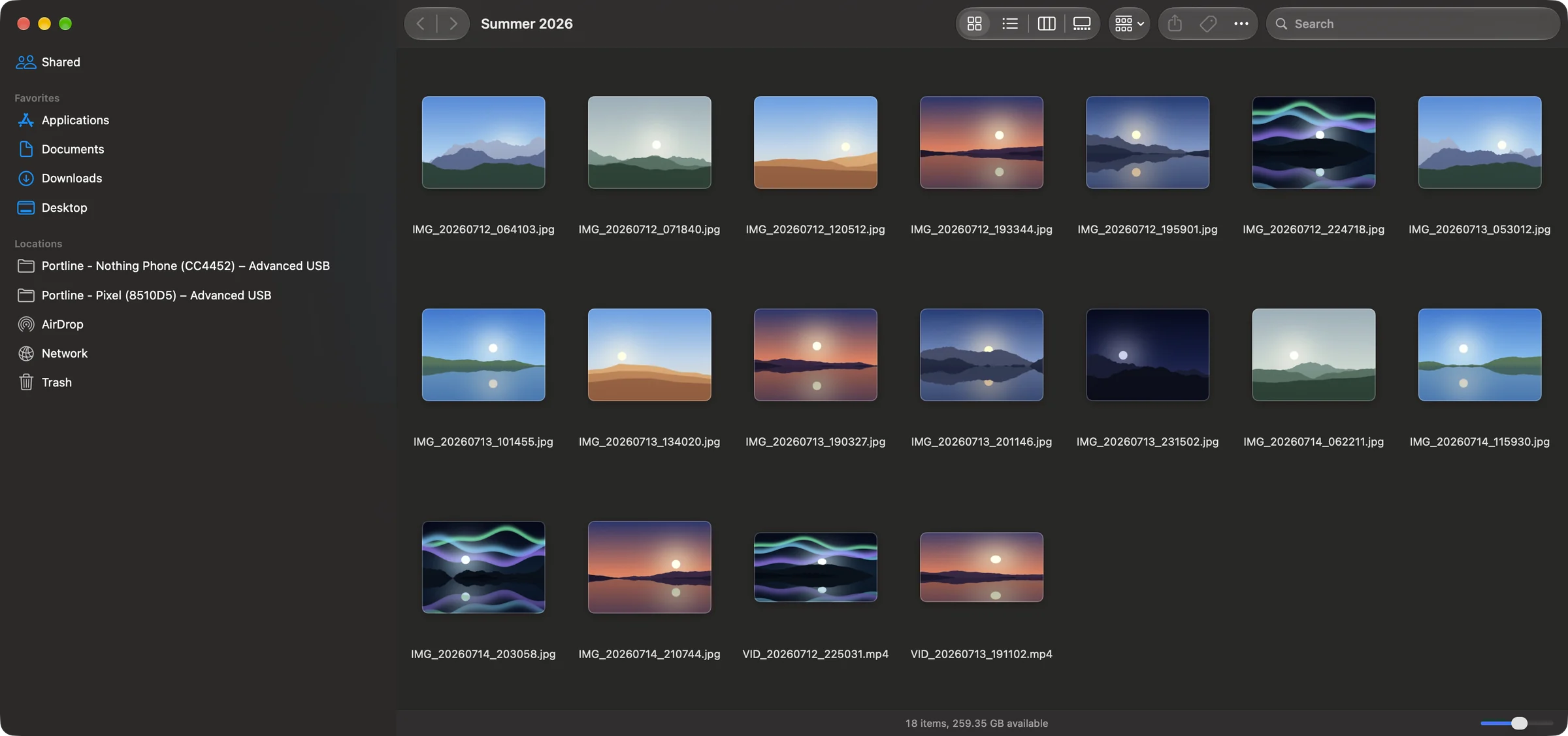
The phone appears in Finder's sidebar under Locations, with its own folders: DCIM for camera photos and videos, Download, Pictures, Documents and the rest.
- 4
Drag files to your Mac
Drag files or folders onto the desktop or any folder. You can also select them and choose Copy Selected to Mac… from Finder's menu; Move Selected to Mac… copies them and then removes them from the phone.
Which connection to choose
Advanced USB is the fastest: on our test phone a 1 GB file read back at 38 MB/s over USB 2.0, and Finder shows changes made on the phone within two seconds. It needs USB debugging.
Standard USB uses the phone's File transfer (MTP) mode and needs nothing turned on in developer settings. Secure Wi-Fi needs no cable and suits occasional copies; it's slower for big files because a phone's Wi-Fi upload is the limit.
How fast is USB compared with Wi-Fi?Other ways, and why they're slower
- Cloud storage (Google Drive, Google Photos): every file goes up to the internet and back down, which is slow for videos and uses your data plan.
- Email or messaging: fine for a single photo, but files get compressed or rejected above a size limit.
- A separate transfer app: tools like OpenMTP open a two-pane window of their own instead of Finder, and work over MTP only.
Copy or move?
Dragging copies: the file stays on the phone. To free space on the phone, use Move Selected to Mac…, which removes each file from the phone only after its copy is complete on the Mac.
Questions
Do I need to install anything on the phone?
No. PortLine works with what Android already has: File transfer mode, USB debugging or wireless debugging.
Can I transfer files without a cable?
Yes, over Wi-Fi on Android 11 and later. Pair once with a QR code and the phone reconnects whenever both are on the same network.
Is it free?
Browsing the phone and copying files to the Mac are free. Copying to the phone, renaming, moving, deleting and parallel downloads need Premium.